



Download the mobile-pocket app for free
One app. Everything inside.
mobile-pocket is your digital wallet for everyday use: scan loyalty cards, store insurance details, collect loyalty points, check offers, pay on the go – all easily in one app.
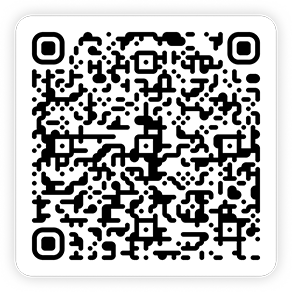
Here’s how to download the loyalty card app: scan the QR code or tap the store button on your smartphone.


Why users love mobile-pocket
Why mobile-pocket?
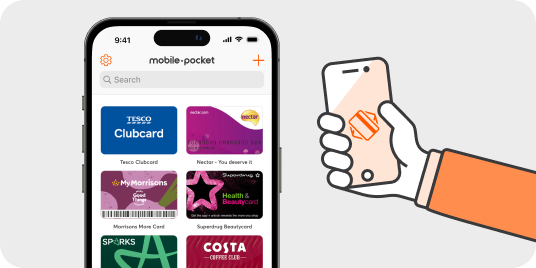
All your cards. Always with you. In one app.
Whether it's loyalty cards, bonus programmes, membership cards or insurance cards – with mobile-pocket, you have everything digitally in one place. No rummaging, no forgetting, no paperwork. Just open the app, show your card, and you're done.
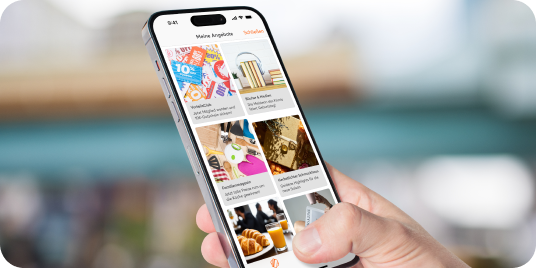
More than just cards.
Exclusive offers, personalised discounts and the latest promotions from your favourite brands are waiting for you. And best of all, everything is available directly in the app. No searching, no scrolling, no missing out.
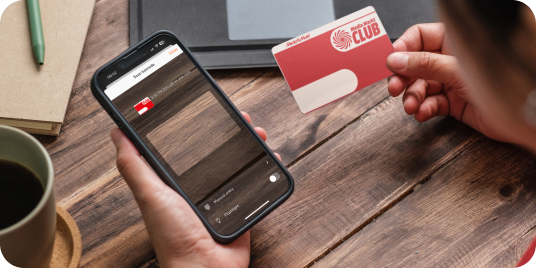
Just scan and you're done.
Want to add cards? It takes seconds. Scan the barcode or QR code, save it, and get started. You can find even rare cards in our huge database – or simply add them manually.

Offline? No problem.
Even without an internet connection, you always have your cards at hand. Because loyalty knows no mobile dead zones.
Whether before or after downloading the loyalty card app: our FAQ section contains the most frequently asked questions with helpful answers.
If you’d still like to contact us, just send us an email at help@mobile-pocket.com or reach out via the chat in the “Help” section of the app.