


Safety first: Save insurance data in mobile-pocket
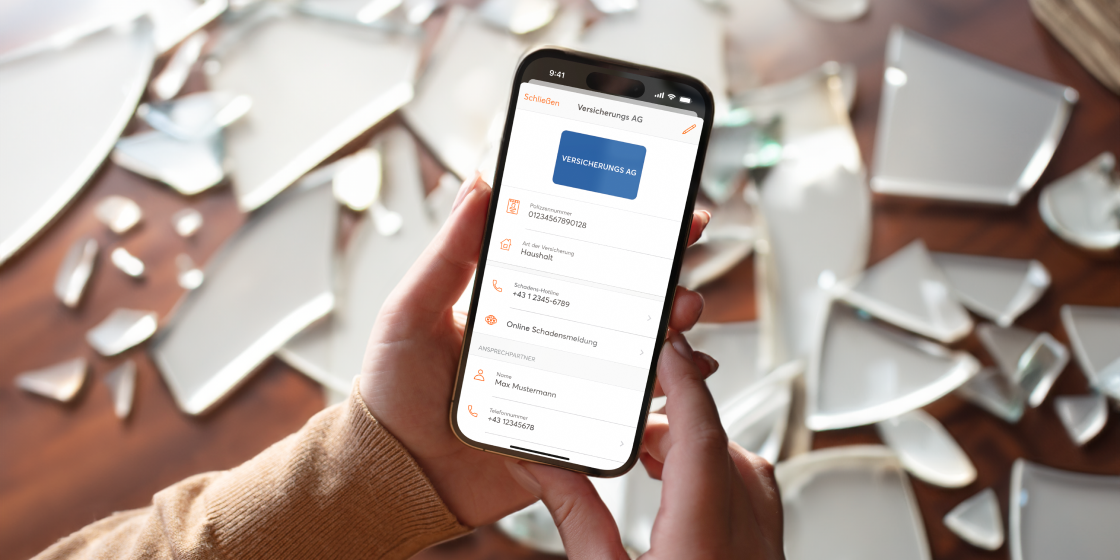
Something happens quickly. Then it's good to have all the insurance information to hand just as quickly. To make this really easy, we have developed our own feature: You can now save your insurance data in mobile-pocket.
It's better to have insurance and not need it than to need insurance and not have any. This clever saying also applies to the associated insurance data. After all, if something does happen, you'll be glad you don't have to spend ages looking for the relevant data. Gone are the days when you had to search all the shops and folders for an insurance policy.
From policy number to contact details
With the new insurance cards feature, you can save your insurance details in mobile-pocket and always have them to hand. Store your policy numbers, the contact details of your insurance agent or the claims hotline of your insurance company. If the worst comes to the worst, simply pick up your smartphone, open the mobile-pocket app and have all your data at your fingertips. Update the app and try it out right away!
Simply tap on ‘+’ in the mobile-pocket app, search for your insurance and select it. Now all you have to do is add your insurance details, save them and you're done.
The mobile-pocket wallet is ONE app for ALL your loyalty cards, insurance cards, offers, vouchers & mobile payments with Bluecode. What more could you want?